⬅️ Home ⬇️ Download
🟨 100% external · historically undetected · Legacy

ABSOLUTE
SAFETY

The legendary Modest Menu by Kiddion. It reads memory from outside the game process instead of injecting into it β€” that architecture kept it virtually invisible to anti-cheat systems across its entire lifetime.

Latest releasev1.0.0 line (final)
MethodExternal overlay
KeybindsNumpad navigation
LicenseFree / donateware
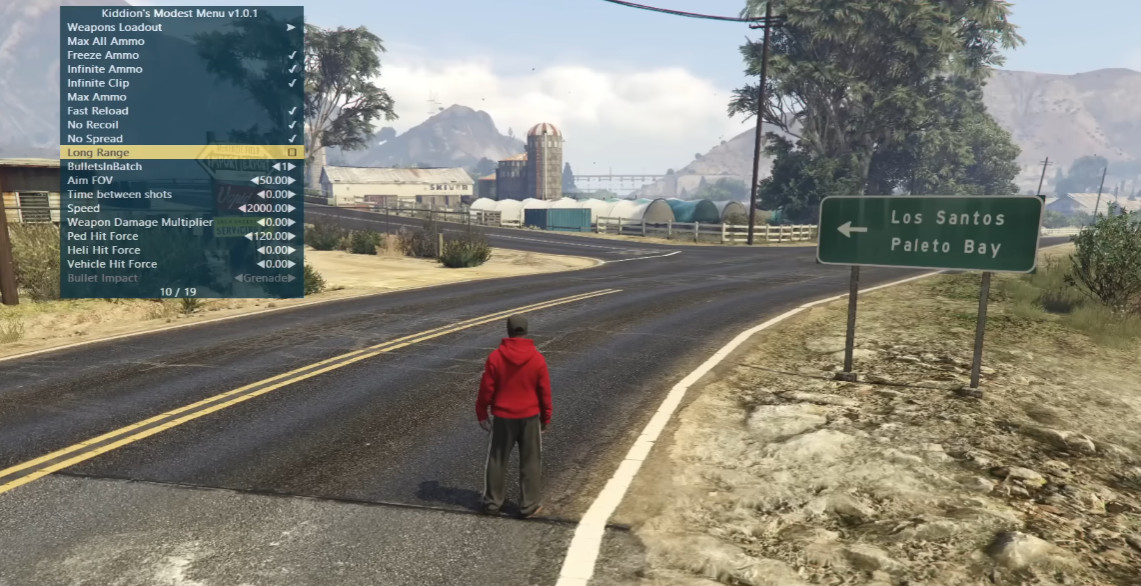
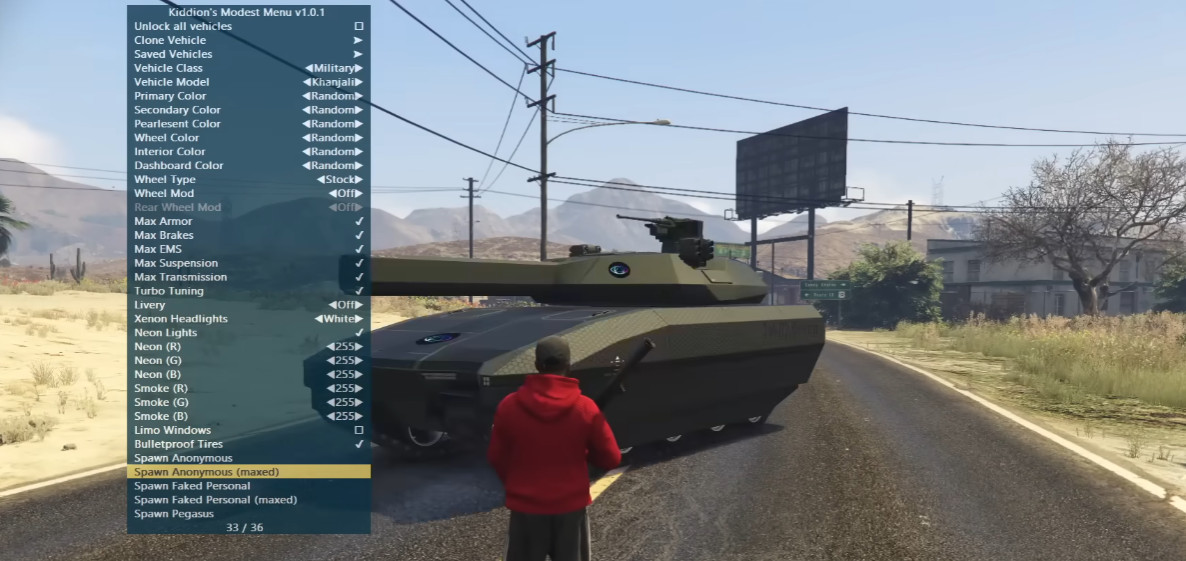
Kiddion's main menu interface
πŸ› οΈ
Main menu interface β€” plain, fast, iconic
Latest release

Modest Menu v1.0.x

Targets Legacy-era builds β€” check compatibility before launch.

Method: external Size: ~200 KB Editions: Legacy only Price: free
πŸ“¦ Download archive (.RAR)
Archive password: modmenu

Prefer the developer's own UnknownCheats thread if you need build-specific history.

Instructions

How to use

01

Extract first

Unzip to a real folder β€” never run the EXE from inside the archive.

02

Start the game

Load fully into Story Mode or a private Online session.

03

Run Modest

Launch modest-menu.exe, navigate with Numpad 8/2 (up/down), 4/6 (values) and select with 5.

⚠️

Honest status: development ended with v1.0.x targeting older Legacy builds (last official: v1.0.1 / build 1.0.3274.0). Very new patches may show "Unable to find GTA5 process". Enhanced edition is not supported β€” see YimMenuV2.

Signature picks

What it's famous for

🎰

Casino Rig

Rig slot machines or the lucky wheel for fast in-game millions.

πŸ“¦

Bunker Drops

Trigger supply drops for steady passive income loops.

πŸ“œ

Custom Scripts

Community Lua files extend everything β€” UltimateMenu started on this loader.

πŸš€

Zero footprint

No installer, ~200 KB binary, near-zero FPS impact.

πŸŽ›οΈ

Advanced config

Remap any keybind and persist your teleports via Save Config.

🧾

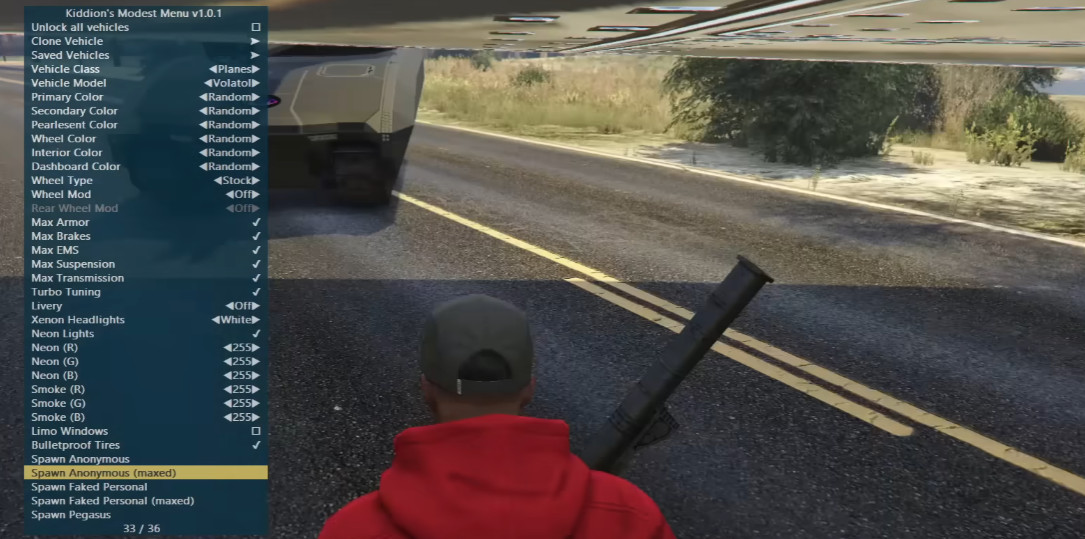
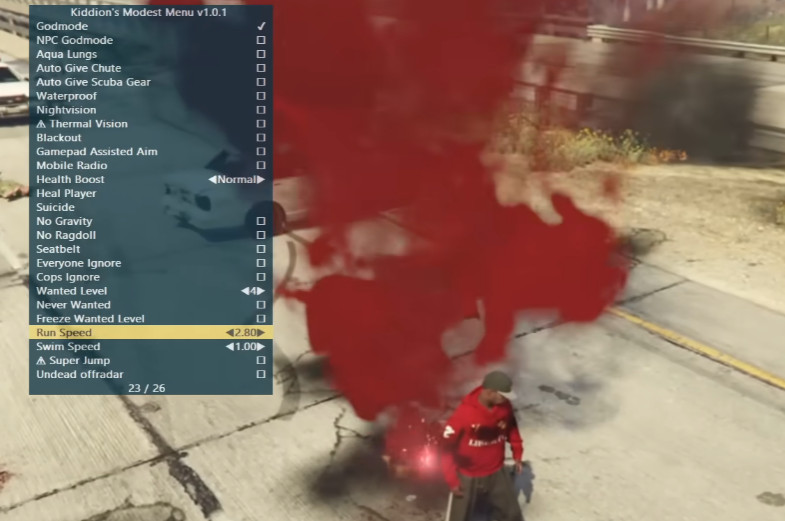
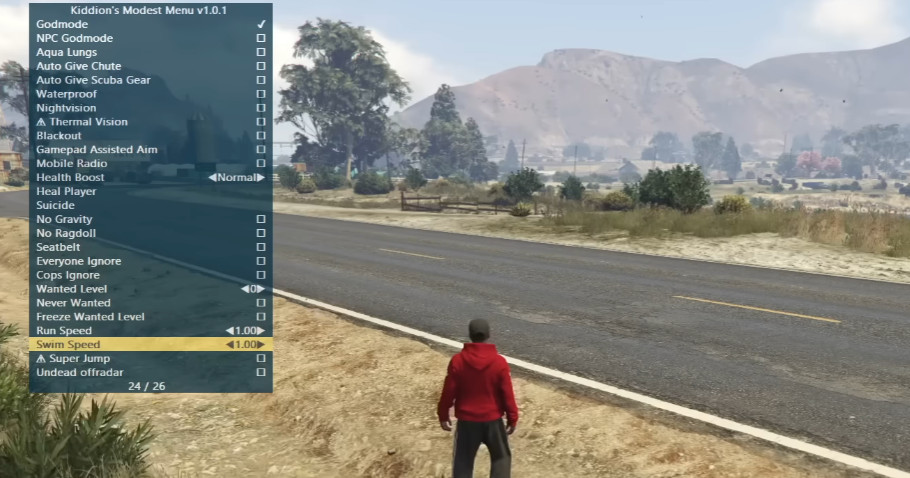
Ten sections

Player β†’ Online β†’ Teleport β†’ Vehicle β†’ Weapon β†’ World β†’ Recovery β†’ Protections β†’ Settings β†’ Lua.

Troubleshooting

Classic quirks

[01]

Menu opens then instantly closes?

Tap Numpad 0 several times and press F5 again β€” documented quirk since day one.

[02]

Numpad keys do nothing?

Numlock must be enabled β€” the most common support answer ever.

[03]

Overlay invisible in fullscreen?

External windows can't draw over exclusive fullscreen β€” switch to Windowed/Borderless.

[04]

"Unable to find GTA5 process"?

Your game build is newer than the supported offset set β€” this is the final-version limitation.